
How It Started
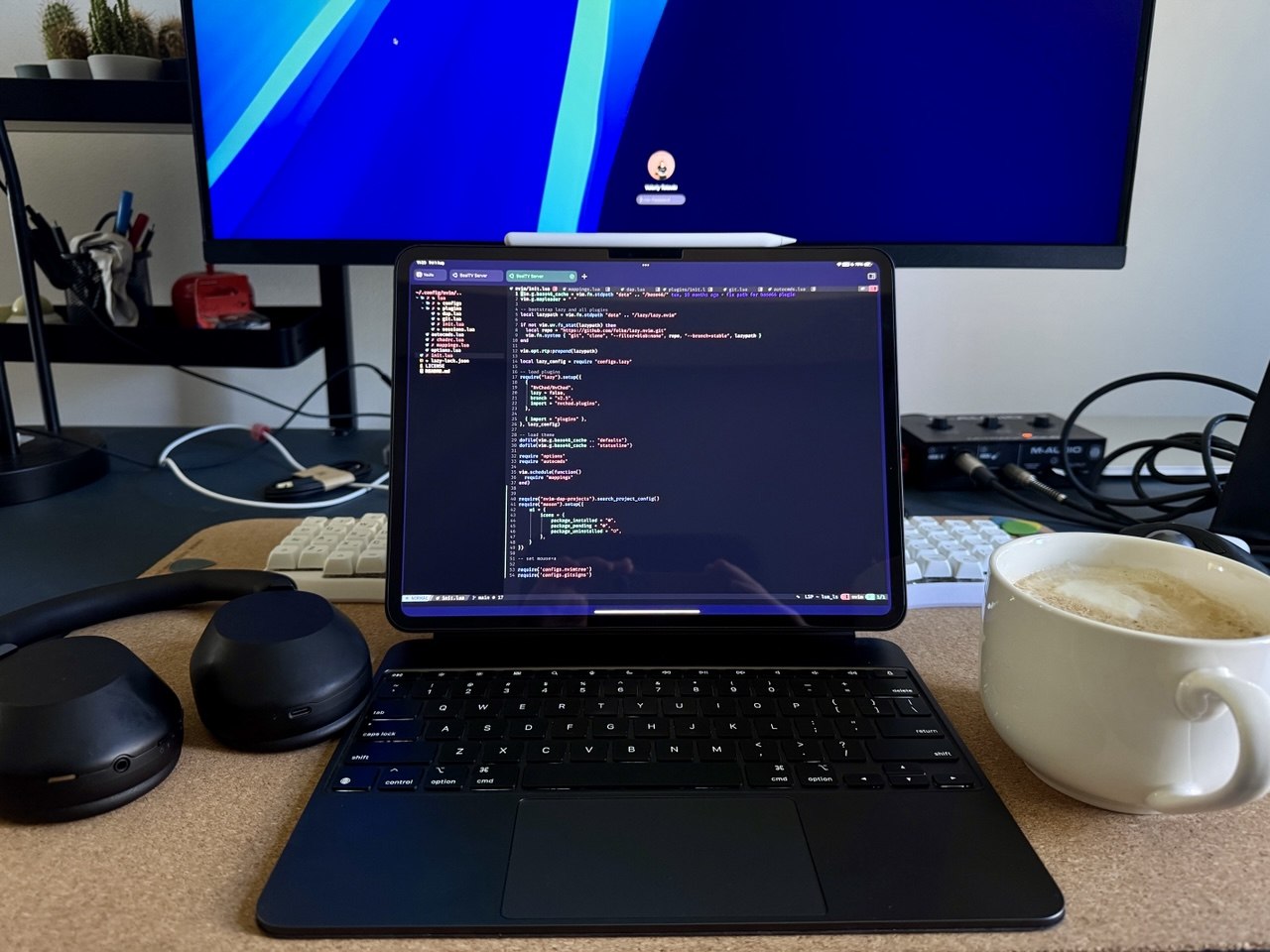
I gave my wife an iPad Pro 13 as a gift, but it didn’t suit her — so she gave it back to me. I really liked the device: fast, great screen. With Magic Keyboard it feels almost like a real laptop.
I started thinking about how to use iPad for writing code.
App Store Apps — Disappointing
Unfortunately, most App Store apps for developers aren’t worth their price. I tried Kodex and Working Copy — the experience was underwhelming.
However, iPad turned out to be great for:
- Notes
- Work communication
- Video calls
- Reviewing PRs on GitHub
- Working in Miro
I rediscovered Apple Notes — with the Forever Notes approach, it makes a convenient daily planner thanks to links between notes.
Home Server
I decided to buy a used MiniPC for a home server — to run databases for work and build amd64 Docker images (slower on Mac with M-chip). I chose a Dell OptiPlex 7090 with Intel i5 and 16 GB RAM for ~€200.
Setup:
- Installed Ubuntu Server
- Configured SSH and Docker
- Installed Go, Rust, Python
- Set up NeoVim as editor
Connecting from iPad
For SSH from iPad I picked Terminus — the free version is enough. For working outside home, I set up secure remote access via Twingate — everything was surprisingly easy to configure.
I also launched VS Code Server on the server — and now it works almost like a full laptop.
Plans
I used to think about upgrading my MacBook, but I use it 99% of the time closed with an external monitor. Now I’m planning a Mac Mini M4 Pro for home, and iPad for mobile work.
Takeaways
Not a budget solution, and it doesn’t replace a proper laptop.
Cons:
- iPad + Magic Keyboard + Pencil ≈ €2,000
- Server €200 + upgrade plans
- Requires constant internet connection
- Security concerns
Pros:
- Fun to set up
- iPad became more useful for work
- Have a home server for various tasks
- Can work from any low-powered device